
Product · Dot3 NEO
Run every print and advertising job from brief to handover
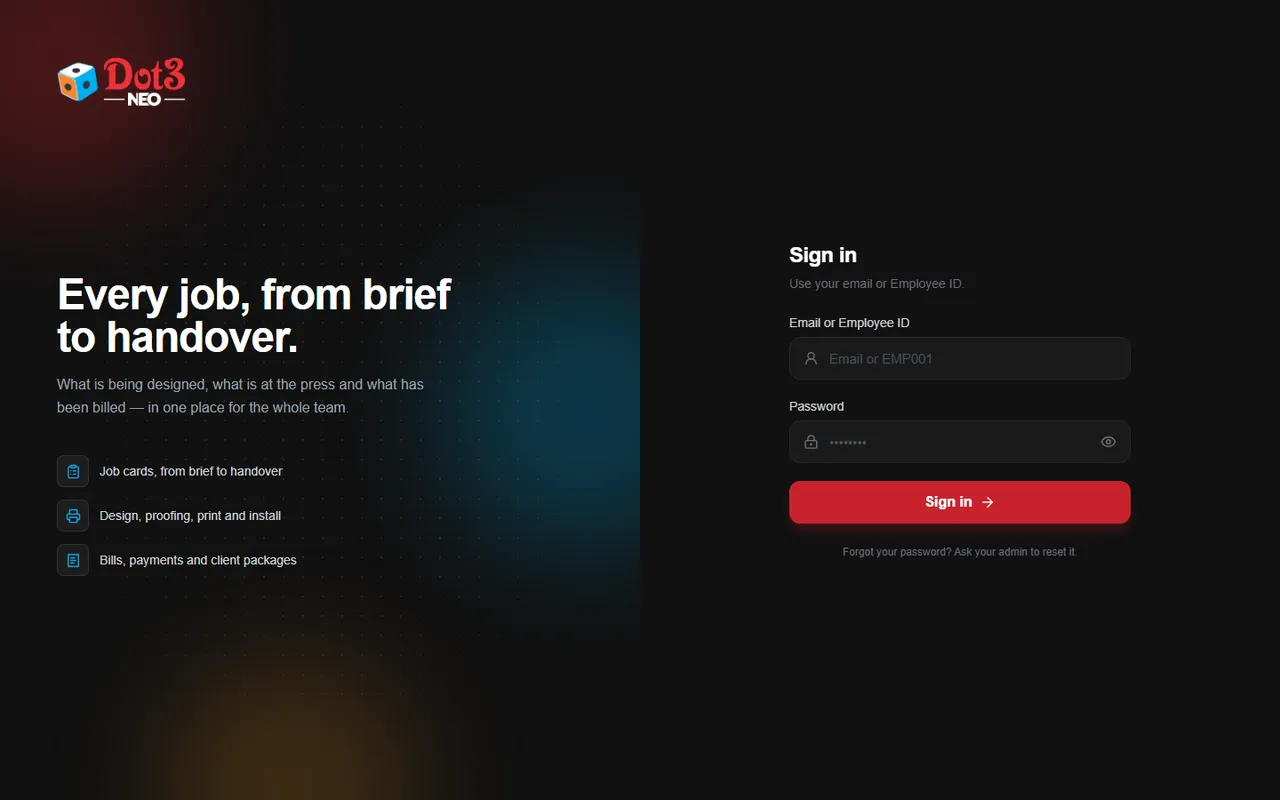
Dot3 NEO is job management software for printing, signage and advertising businesses. See what is being designed, what is at the press and what has been billed — in one place for the whole team.
- Job cards, from brief to handover
- Design, proofing, print and install
- Bills, payments and client packages
Who it's for
Made for businesses that print, brand and install
Printing presses
Offset and digital printers handling many small jobs a day.
Flex & signage shops
Flex printing, sign boards, vinyl, LED and acrylic work with site installation.
Advertising agencies
Design-led agencies that brief, proof, produce and bill for clients.
Branding & outdoor media firms
Hoardings, shop branding and event work spread across many sites.
The problem
Sound familiar?
Most print and ad businesses grow faster than their way of tracking work.
- Job details are scattered across WhatsApp chats, phone calls and notebooks
- Nobody can say quickly which job is in design, at the press or waiting for installation
- Proofs are approved over the phone, with no record when a client disputes them
- Work is installed, but the bill is raised late — or never
- Pending payments have no clear list, so follow-up depends on memory
Features
Everything a job needs, in one place
Job cards
Every job gets one card from brief to handover: client, sizes, materials, quantities, deadline and who is responsible.
Design & proofing
Track each design version and record when the client approved the proof, so printing starts on the right file.
Print tracking
See what is queued, printing and ready — the production team and the front desk look at the same list.
Installation tracking
Plan site installations, assign the team and mark each site done.
Bills & payments
Raise the bill from the job card and record payments as they come in, so pending amounts are always visible.
Client packages
Set up recurring or bundled packages for regular clients and track what has been delivered against them.
Team logins & roles
Each employee signs in with their own email or Employee ID and sees the work that is theirs.
One dashboard
Owners see today's jobs, delays and money due at a glance, without calling each department.
How it works
One job card follows the work to the end
- 01
Brief
Create the job card when the client order comes in.
- 02
Design & proof
Designer uploads versions; client approval is recorded.
- 03
Print
Production picks the job up and marks it printed.
- 04
Install
Site team is assigned and closes the installation.
- 05
Bill & collect
Bill raised from the job; payments tracked until paid.
Why Dot3 NEO
Software from a team that runs the same kind of work
Built for real work
Dot3 built NEO to run its own print and advertising jobs, so it follows how a print shop actually works.
Works in the browser
Nothing to install — open it on an office computer, laptop or phone browser.
Set up for your workflow
We configure job stages, roles and bill formats to match how your team already works.
Local training & support
Our team in Trichy and Colombo sets it up, trains your staff and is a phone call away.
Pricing
Plans are based on your team size and the setup you need. Book a free demo and we'll send a clear written quote — no obligation.
Get pricingFAQ
Questions about Dot3 NEO
Who is Dot3 NEO for?
Printing presses, flex and signage shops, advertising agencies and branding firms that handle many jobs at once and want to stop tracking them on WhatsApp and paper.
Do I need to install anything?
No. NEO runs in a web browser, so your team can use it from office computers and phones.
Can it match the way my shop works?
Yes. During setup we configure job stages, staff roles and bill details for your business.
How much does it cost?
Pricing depends on the size of your team and the setup you need. Request a demo and we will send a clear quote.
Is my data safe?
Each staff member has their own login, and access depends on their role. We will explain hosting and backups in detail during the demo.
How long does setup take?
We will give you a timeline after the demo, once we know your team size and how you work today.
Request a free demo
Tell us a little about your business. We'll call you to fix a time and show NEO working with sample jobs like yours.
- A 30-minute walk-through, online or at your office
- Sample jobs from your type of business
- A written quote after the demo